
Introducing Appeeky Desktop
App Store Connect, Ads, and Google Play APIs now run locally on your Mac.
Appeeky · Jul 19, 2026
Introducing Appeeky Desktop
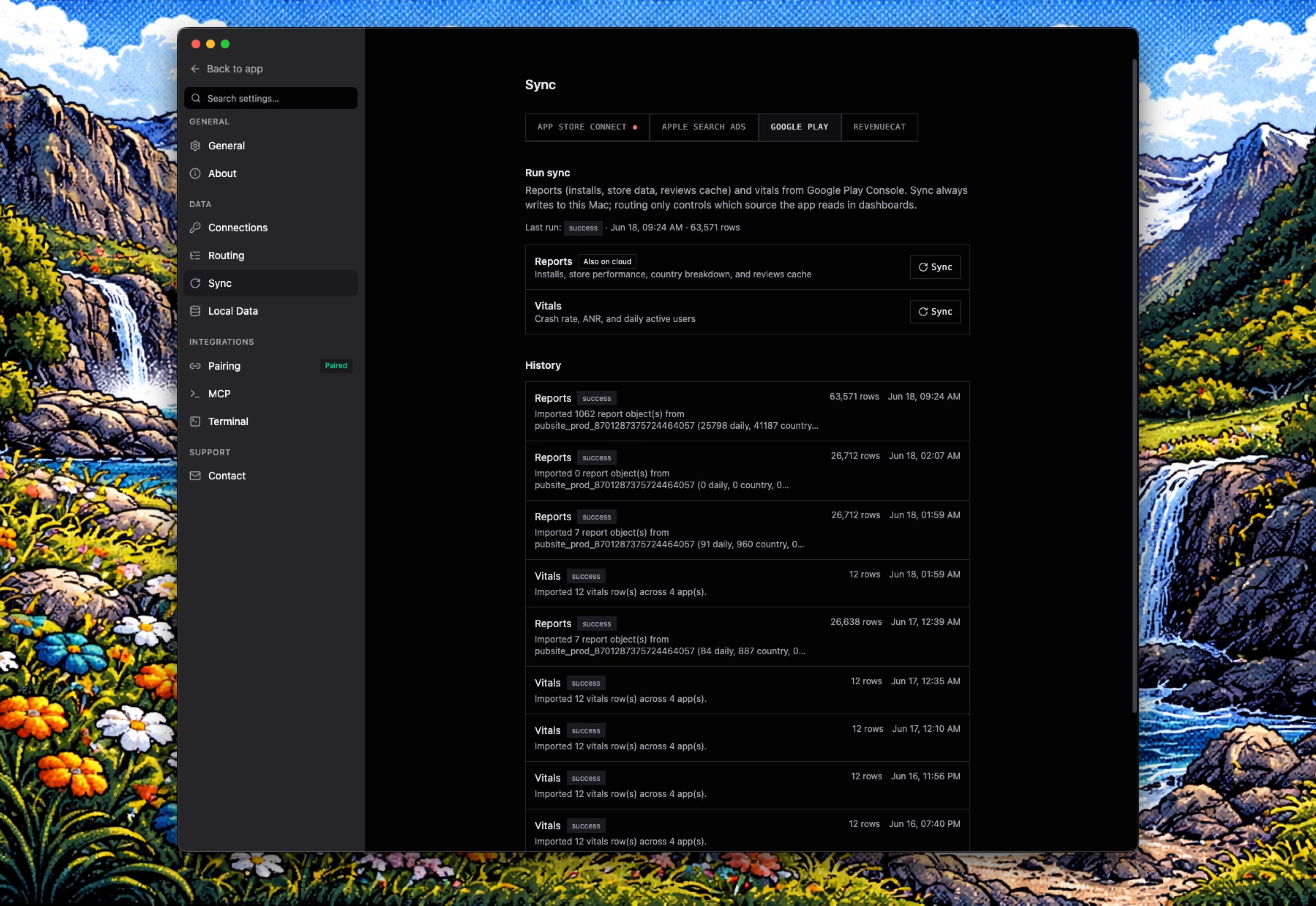
The core integrations now run locally: App Store Connect, Apple Search Ads, Meta Ads, TikTok Ads, and the Google Play Developer API. Your downloads, revenue, retention, ad spend, keywords, and reviews can be pulled straight into a local cache on your Mac and queried instantly via MCP — in Cursor, Claude, Codex, or any compatible client.
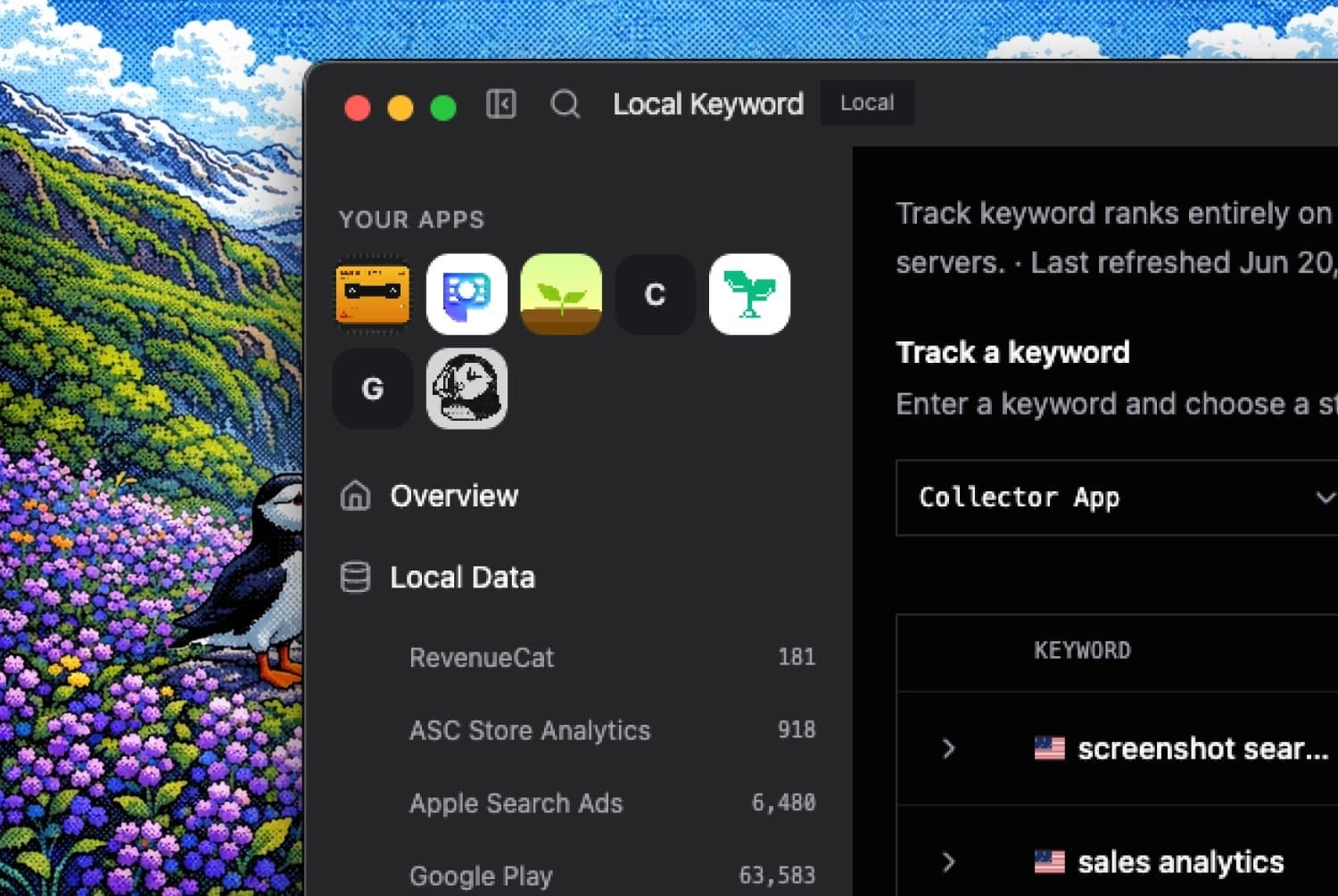
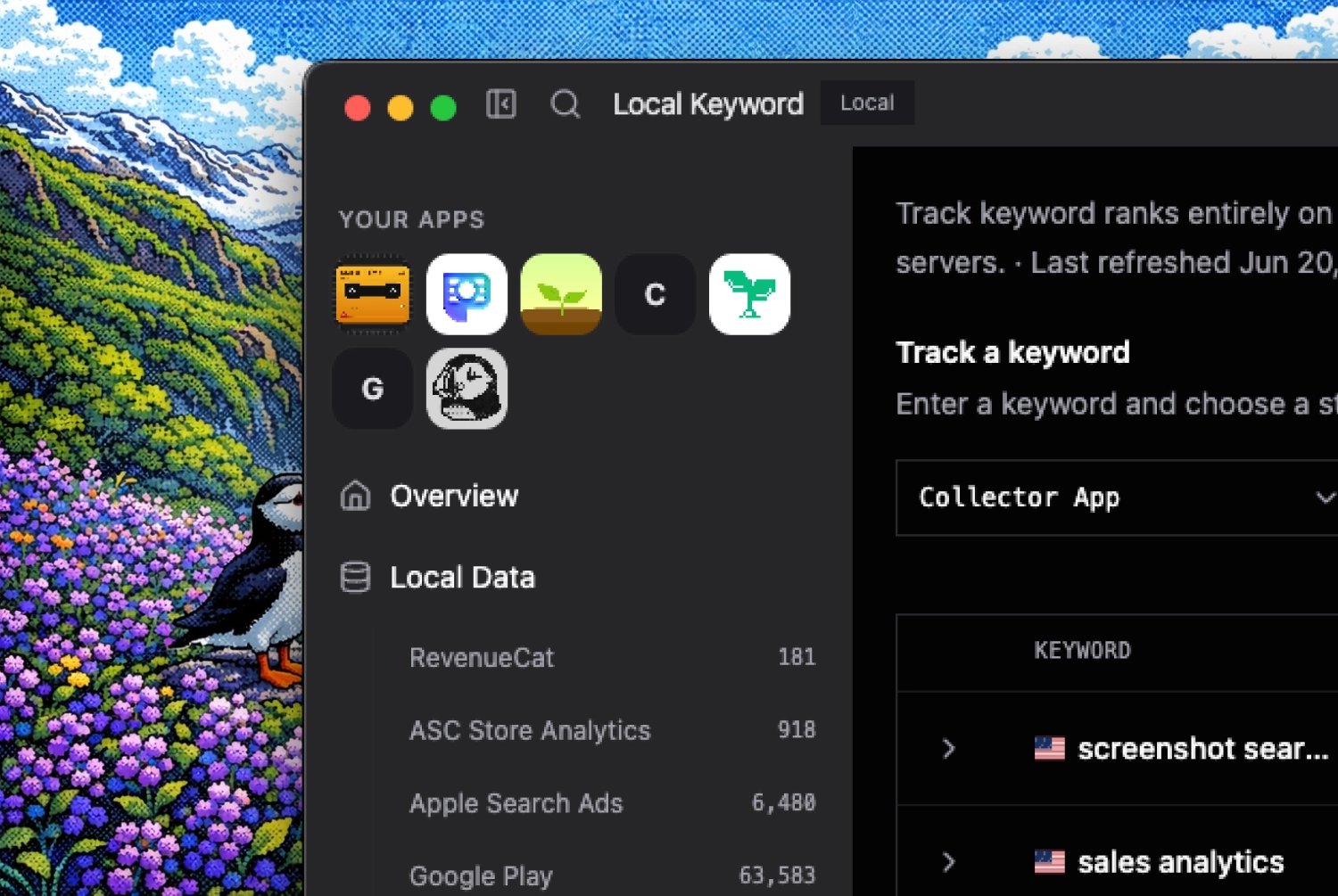
Once synced, your local cache holds everything in one place:
| Source | What gets cached locally |
|---|---|
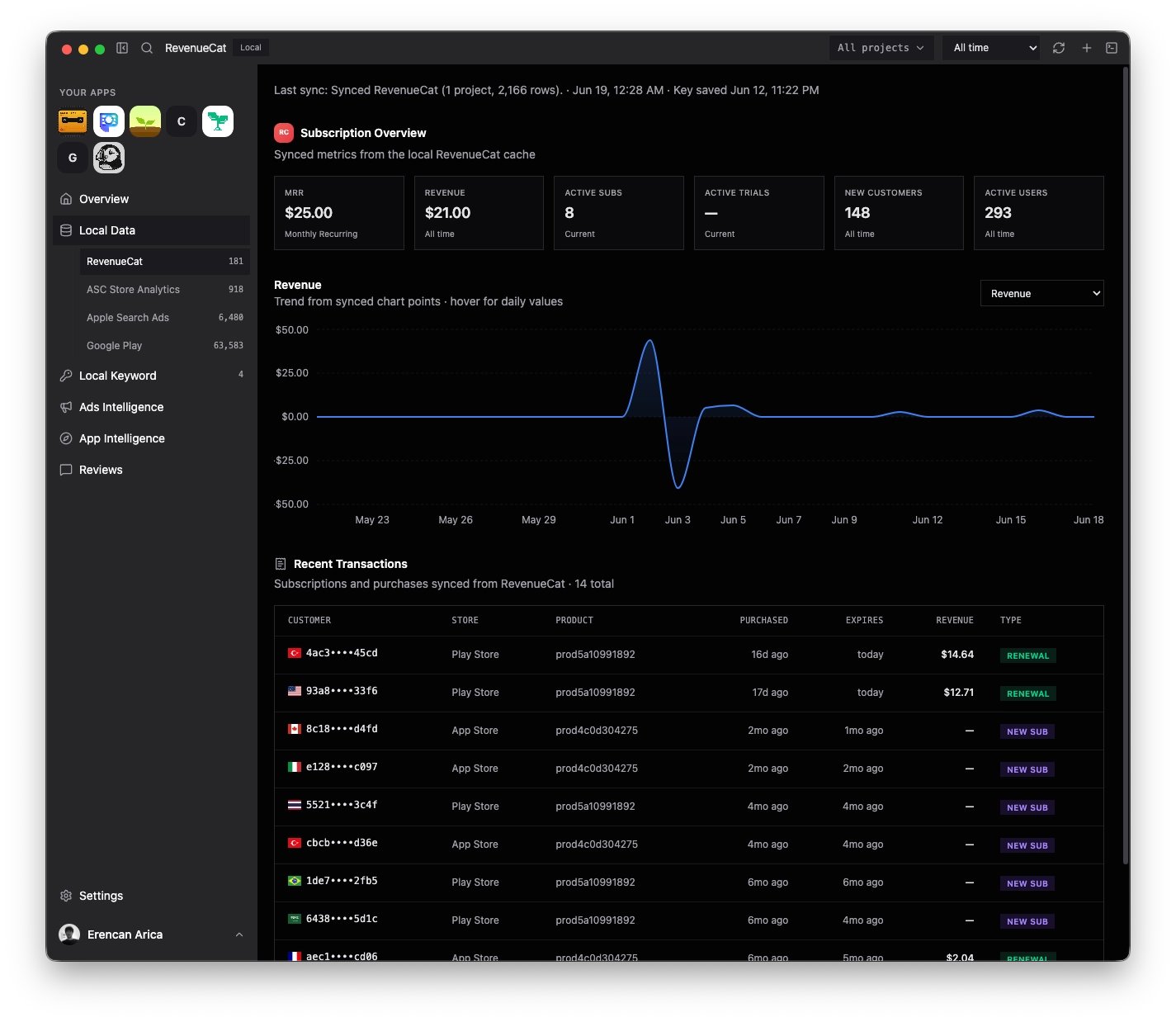
| RevenueCat | Subscription revenue, MRR, churn, trials |
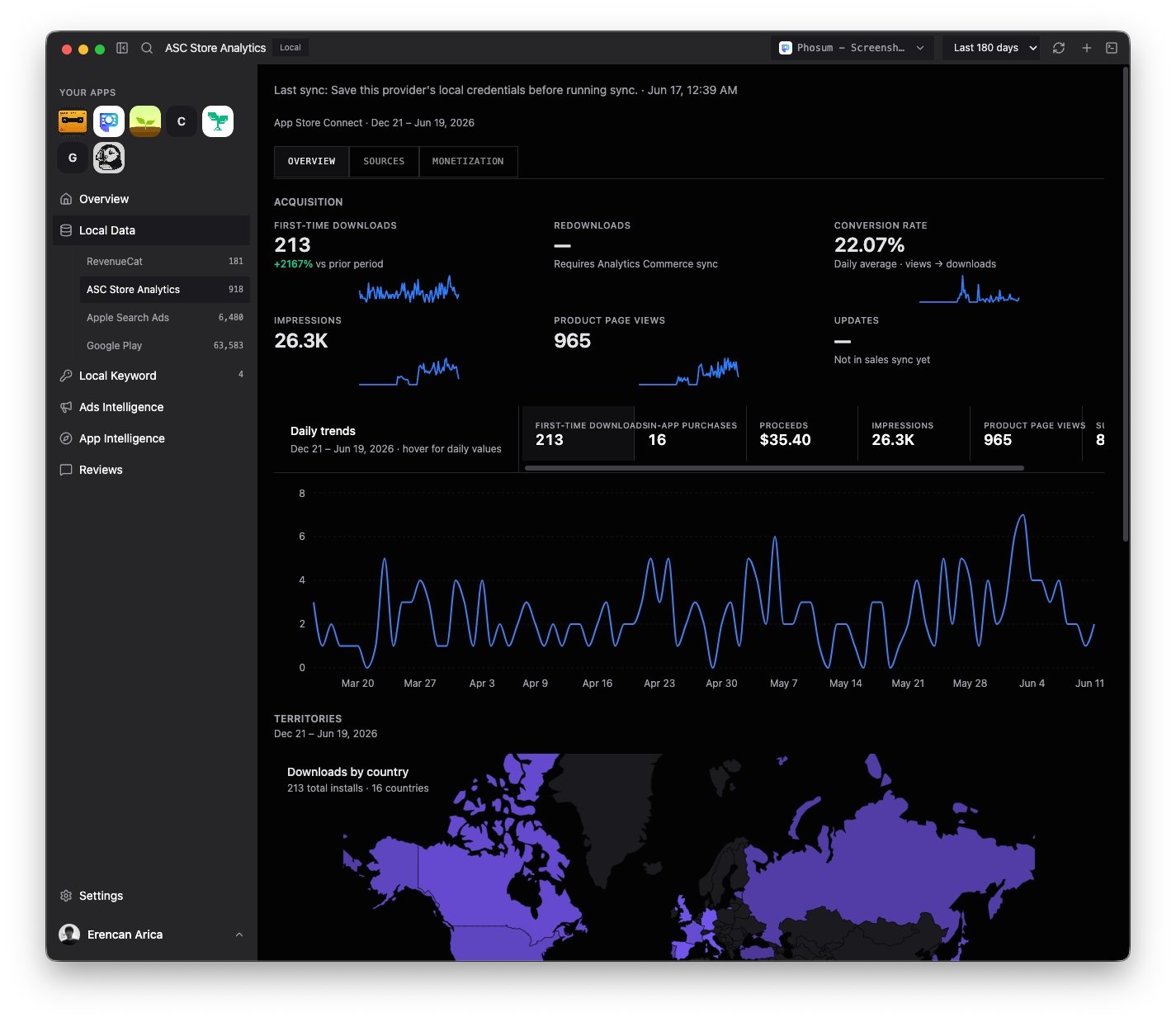
| ASC Store Analytics | Downloads, proceeds, retention, storefront metrics |
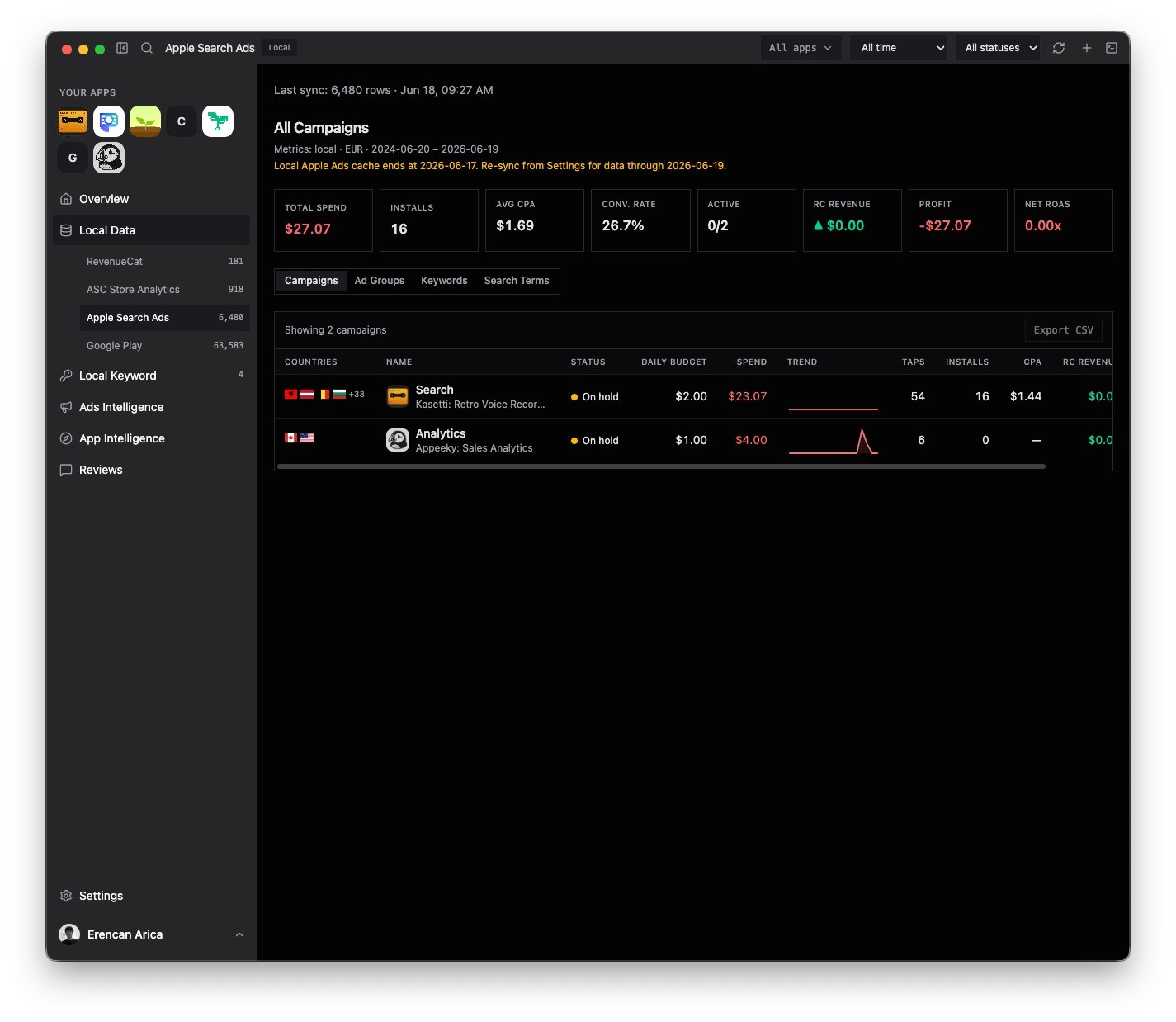
| Apple Search Ads | Spend, keywords, campaigns, ROAS joins |
| Google Play | Installs, revenue, reviews, console metrics |
Appeeky web is still our main product, but for the people who want it, we've shipped Appeeky Desktop — a native Mac app that runs completely locally. Your store data, your credentials, your analysis, all on your machine. Your store data syncs into a cache on your Mac, and credentials live in the macOS keychain — the same place your system already keeps your passwords.
One window for the whole app workspace
The thing we kept hearing from developers is that their data is scattered. App Store Connect in one tab, Google Play Console in another, Apple Search Ads somewhere else, RevenueCat for the revenue picture. Half a day gone just gathering numbers that should live together.
Appeeky Desktop pulls all of it into one place:
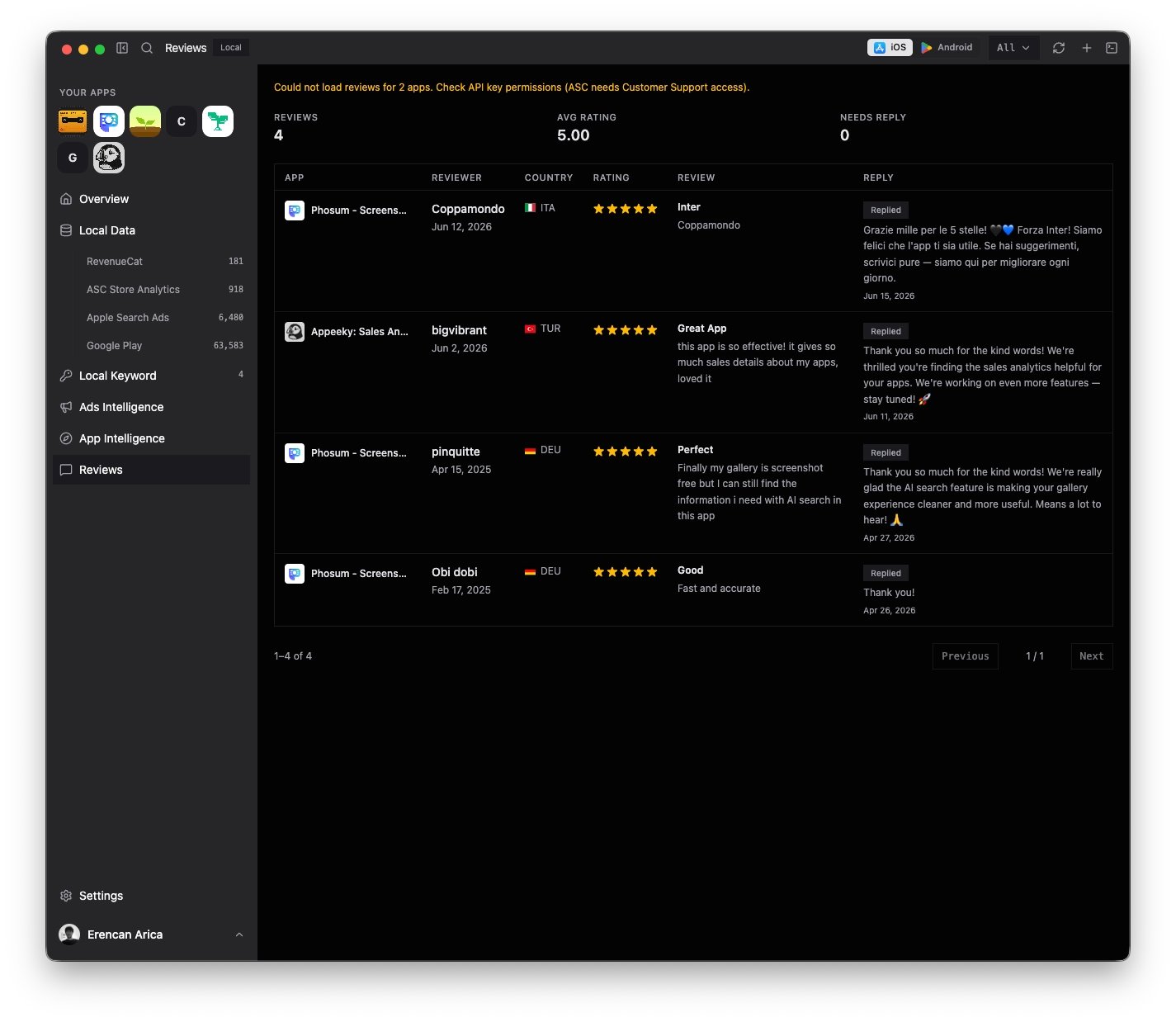
- Reviews from the App Store and Google Play in a single inbox, so you can see what still needs a reply without logging into two consoles.
- Ads Intelligence that ties Apple Search Ads spend to the revenue it actually drove, instead of guessing at ROAS.
- App Store Connect — your synced metrics, queryable across any range you want, right up to all-time.
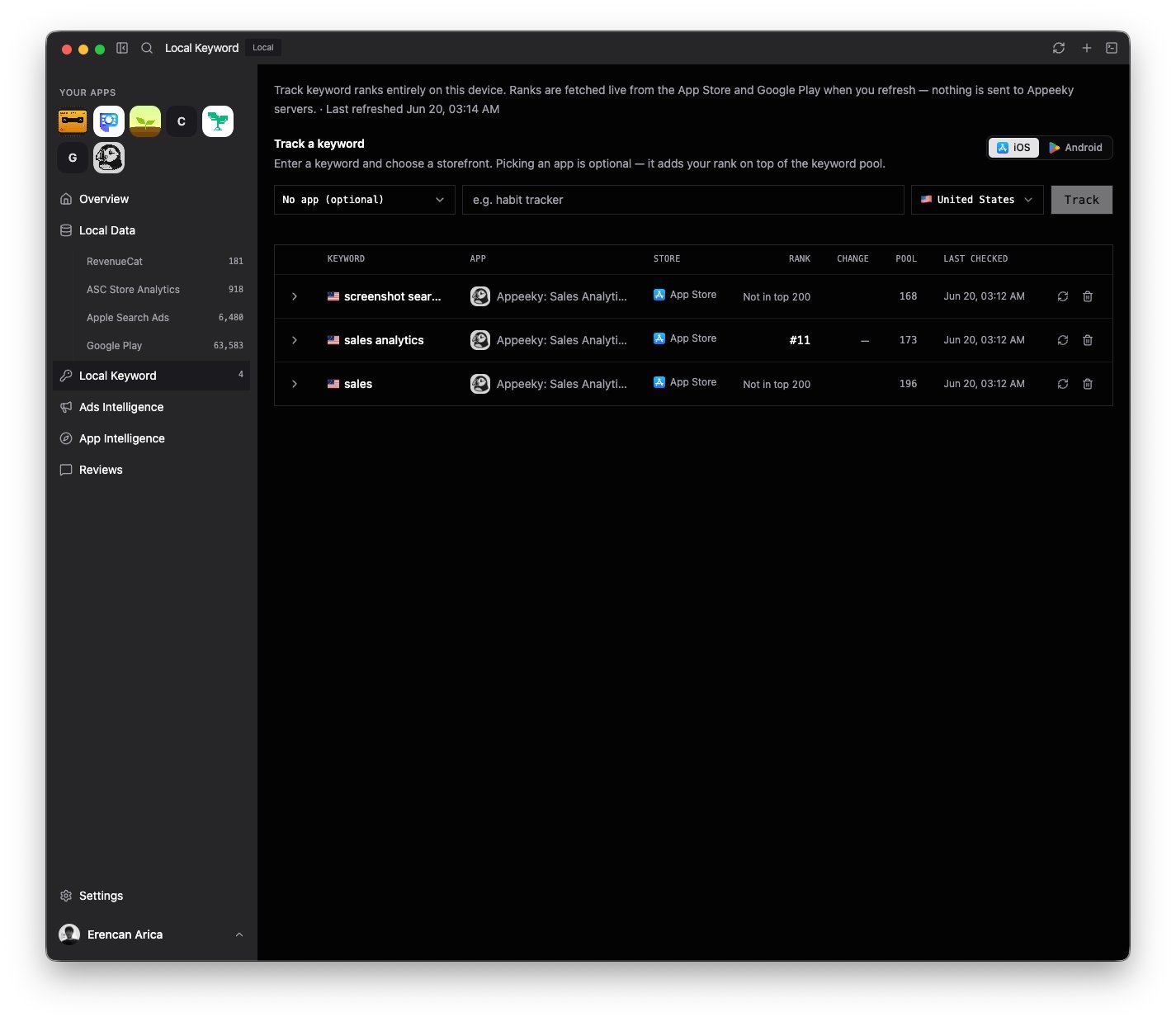
- Keyword Intelligence — Appeeky API supports keyword tracking, but now you can save keywords fully locally for both Apple and Google.
- Revenue through RevenueCat, so MRR, churn, and trial conversion sit next to everything else.
None of these are separate tools bolted together. They share the same data model, so moving from a revenue dip to the reviews that explain it takes one click, not three logins.
Your data lives on your Mac
You stay in control of where each source is routed, too. Some things make sense to pull locally; others you might keep in the cloud. The choice is yours, per source.
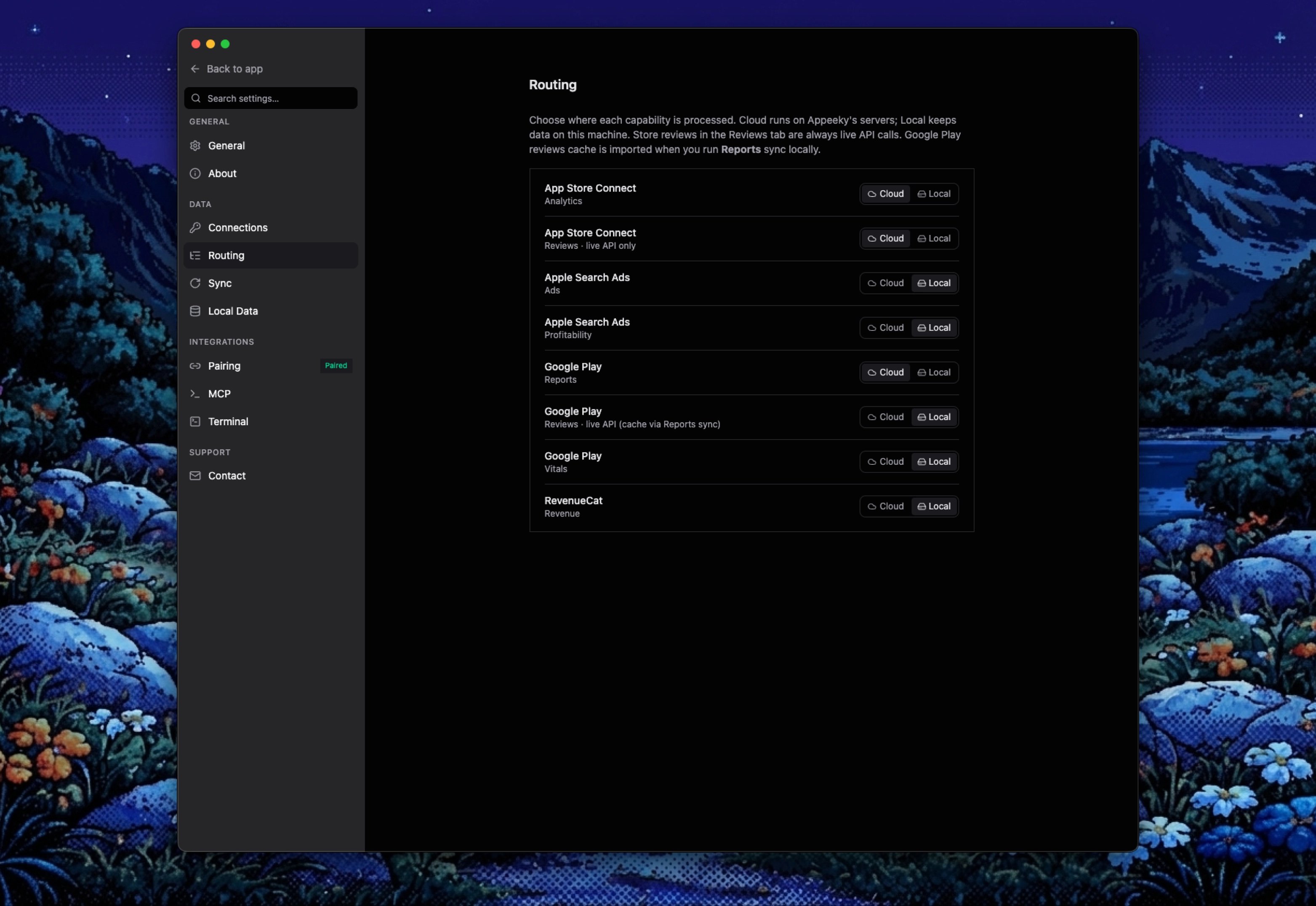
Credentials get the same treatment. Your App Store Connect key, your Search Ads access, your RevenueCat token — they go straight into the macOS keychain, encrypted by the system you already trust to hold your passwords.
A quick, honest note on the exceptions: AI Visibility and Co-founder are still cloud-first. They lean on models and processing that run server-side, so for now they work the way they always have — through the cloud, even in the desktop app. Everything else can run fully local today, and these two are on the same path.
A real terminal, built right in
Most "dashboards" want you to stay inside their buttons. We took a different view.
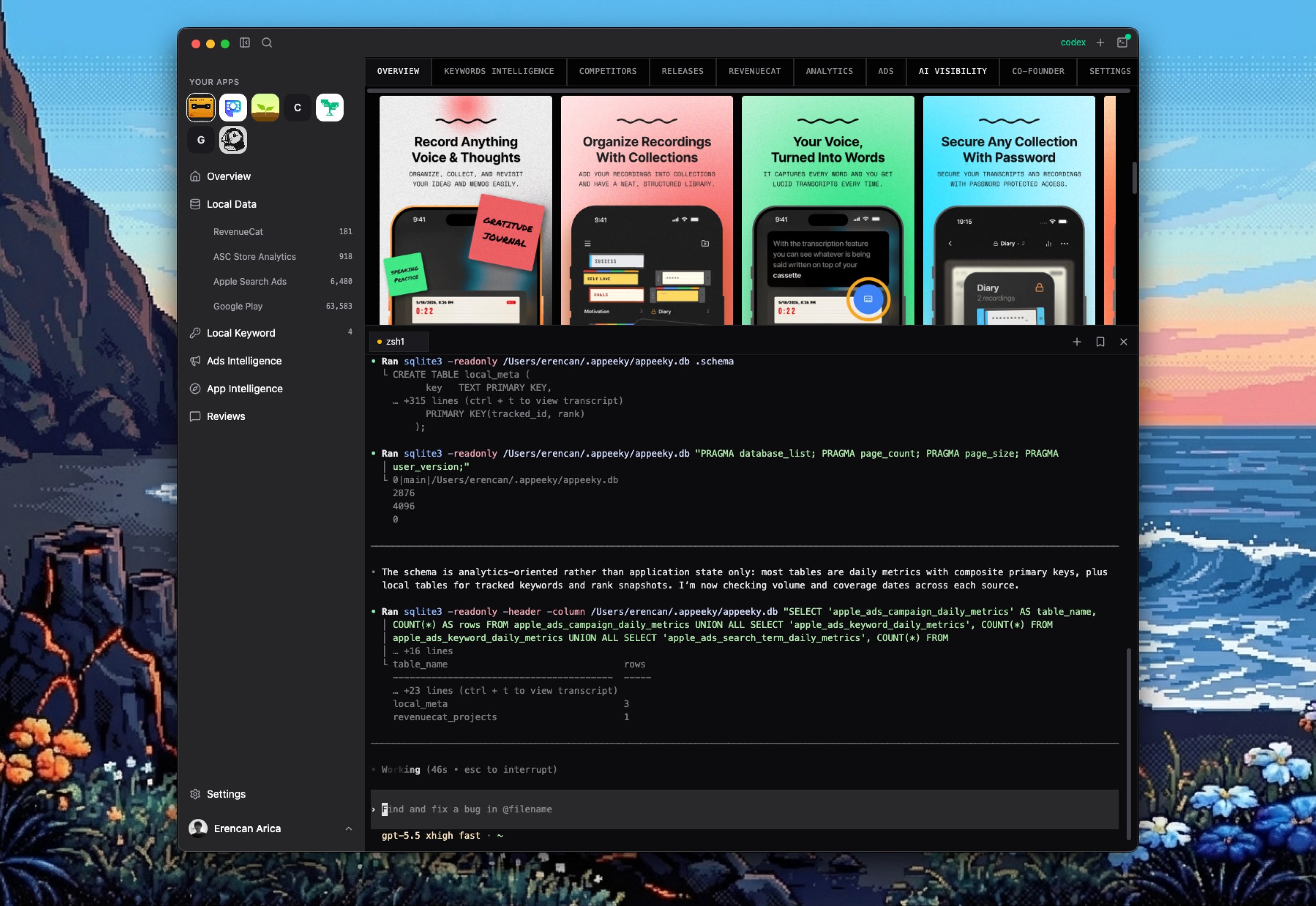
Appeeky Desktop ships with a genuine multi-tab terminal inside the app. Run a sync, kick off a script, save the commands you reach for every day, and let long-running jobs keep going in the background while you browse your numbers. Point your local DB or MCP at any agent and let it summarize for you. The best way to run Appeeky MCP.
Pair it with your AI tools
Here's where things get interesting. Appeeky Desktop can pair over MCP, which means your ASO and revenue data becomes something your AI tools can actually read.
Open Cursor, Claude, or Codex, ask a question about your app — "which countries drove last month's growth?" — and the answer comes from your real data, not a copy-pasted export. No manual spreadsheets, no stale screenshots. The same data model you see in the app is the one your assistant queries.
It turns your numbers from something you look at into something you can talk to.
Getting started takes a few minutes
There's not much of a setup tax here. The flow is roughly:
- Download the build for Apple Silicon or Intel — signed and notarized by Apple, so it opens without any Gatekeeper warnings.
- Sign in with your existing Appeeky account. The desktop app is free, and there's no separate signup.
- Connect your stores — App Store Connect, Apple Search Ads, Google Play, or RevenueCat.
- Sync to pull real data into the local cache, then dig in across full-time ranges.
Updates take care of themselves. The app checks for new versions in the background and installs them on restart, so you're always on the latest build without re-downloading anything.
Download Appeeky Desktop and manage your apps locally.